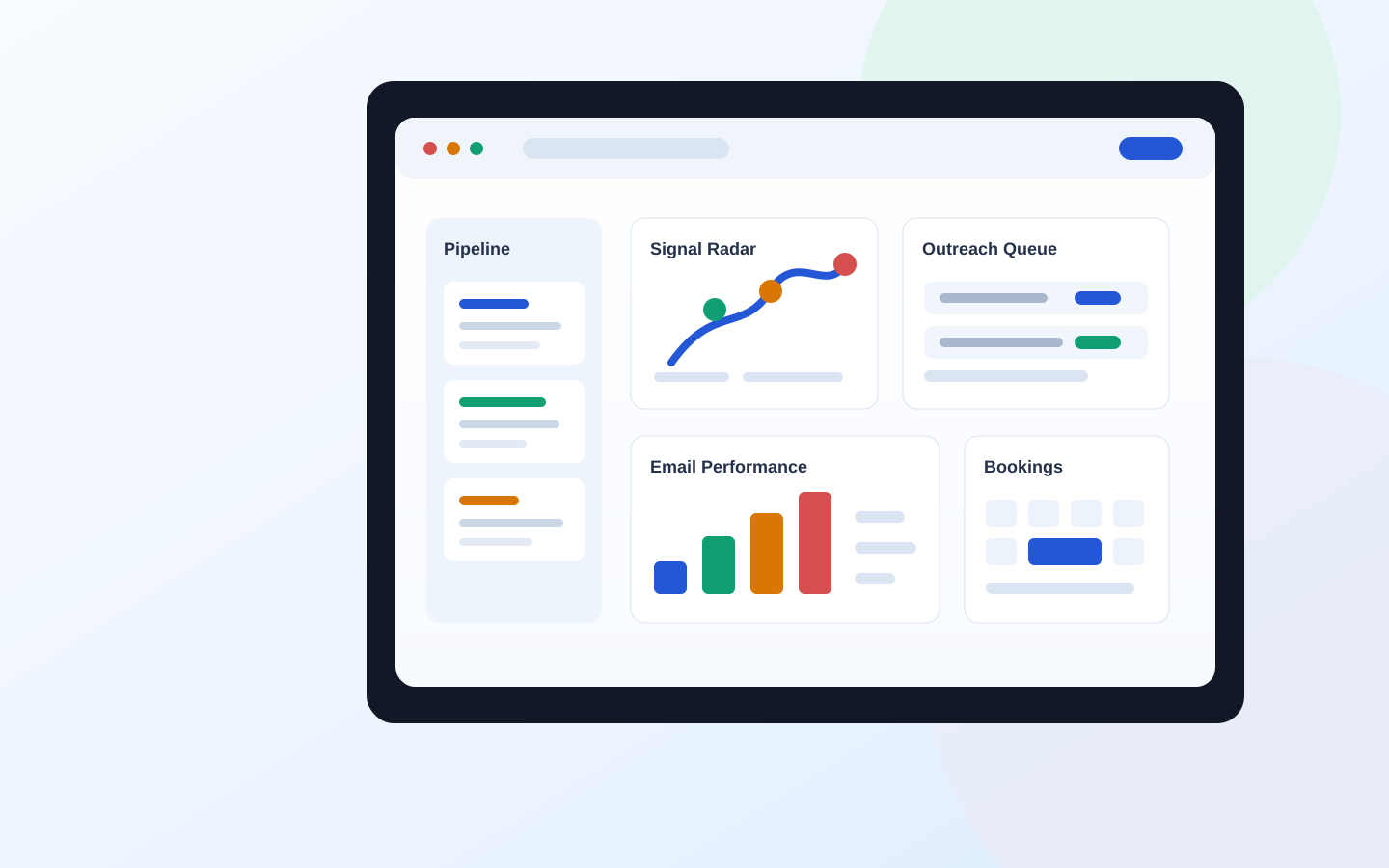
Pipeline
Work the account that needs attention now
Turn stage age, activity history, buying signals, and scheduled actions into one dated next step.
- Signal-ranked accounts
- Stage-aware follow-up
- Calls, proposals, and bookings in context
For founder-led B2B growth teams
Leadulo connects pipeline, content, outreach, and follow-up so every draft starts with account context — and nothing leaves the queue without a human decision.
Product view, not a stock-photo promise.
pipeline, brand, and campaign history stay connected
web workspace, browser assist, and private desktop worker
outbound work waits for human approval
signal, create, approve, and learn
One account, one loop
Every handoff keeps the account history, the decision, and the next action attached.
Signal Radar
Signal Radar ranks accounts by intent, urgency, and the next useful action.
Inspect buying signalsAI workbench
Draft content, email, proposals, and meeting prep from the same account and brand context.
Open the workbenchApproval queue
Review the wording, evidence, timing, and recipient before outbound work is sent or scheduled.
See the approval queuePerformance loop
Tag outcomes by angle, then repeat the ideas that create useful replies, meetings, and pipeline.
Review what workedUse cases
The point is not to put AI everywhere. It is to stop useful context disappearing between sales, marketing, and follow-up.
Pipeline
Turn stage age, activity history, buying signals, and scheduled actions into one dated next step.
Content & distribution
Bring CRM questions, working angles, keyword clusters, and channel results into the next brief or post.
Outreach
Draft with profile and account context, check deliverability, and keep a human in the final send path.
Choose the surface
Shared execution in the web app. Page-level assistance in the browser. Sensitive source material on your machine.
Team execution
CRM, campaign work, approvals, scheduling, and structured generation in one shared operating surface.
Page-level drafting
Use the visible profile, post, or page to suggest a draft, then fill the field only when you ask.
Sensitive local context
Run repeatable research and internal-note workflows against selected local files through Ollama or LM Studio.
The growth signal desk
Trend data belongs in an editorial queue, not an article generator. We use live questions to choose what to investigate, then require an example, a limitation, and a point of view before publishing.
Start with Search Console movement, sales questions, or repeated customer language.
Add a real workflow, source, example, or decision rule — not another summary of summaries.
Refresh the canonical guide when the answer changes; create a new page only when the intent is genuinely new.
Learn how an AI sales CRM should surface stale deals, next actions, buying signals, and follow-up priorities so warm pipeline does not disappear.
Search signalAI sales CRM follow-up triageUse this B2B SEO content brief template to give writers search intent, angle, structure, proof points, examples, internal links, and conversion context.
Search signalB2B SEO content brief templateBuild a B2B LinkedIn content calendar around buyer pain, proof, point of view, practical posts, conversion prompts, and weekly measurement.
Search signalB2B LinkedIn content calendarUse this B2B email deliverability checklist to review SPF, DKIM, DMARC, suppression, segmentation, and send volume before a campaign goes out.
Search signalB2B email deliverability checklistUseful before signup
Build a brief, pressure-test deliverability, or triage a stale deal in the browser. No account wall.
Trust, in plain English
Clear boundaries matter more than another list of capabilities.
No. Drafts can enter an approval queue, but a person reviews the recipient, wording, and timing before a send. The browser companion drafts and fills fields; it does not autonomously click, navigate, or submit.
Supported browser assists can use Chrome's built-in on-device APIs, subject to browser and hardware availability. The desktop worker can use Ollama or LM Studio for selected local files. Shared web-app generation runs server-side, with API keys kept out of the browser.
They solve different context problems. The web app is for shared execution, the browser companion is for the page in front of you, and the desktop worker is for repeatable tasks involving sensitive local material.
The publishing system may use AI during research or drafting, but pages are selected, reviewed, and published by a person. Trend signals do not create pages automatically, and changeable claims should link to a dated source.
Each article has a canonical search problem and a freshness class. Stable playbooks are reviewed when the workflow changes; time-sensitive notes carry an explicit review date and are updated, consolidated, or retired when the answer changes.
Generated work remains a draft. The interface keeps source context, guardrails, and approvals visible so a person can correct, reject, or replace the output before it affects a customer or prospect.
Start with one live account
Open the control room, inspect the next action, and keep every outbound step human-approved.